HOURS · SALES · COMMISSIONS
Manage your team, track earnings, create customer quotes and simplify payouts — all in one place.
Set up your team and its commission rates.
Everyone joins free and sees their own hours and pay.
Clock-ins, sales, quotes and commissions — all in one place.
Built for sales teams of any carrier or brand — if your team clocks in, sells, and earns commission, EarnLedger tracks it.
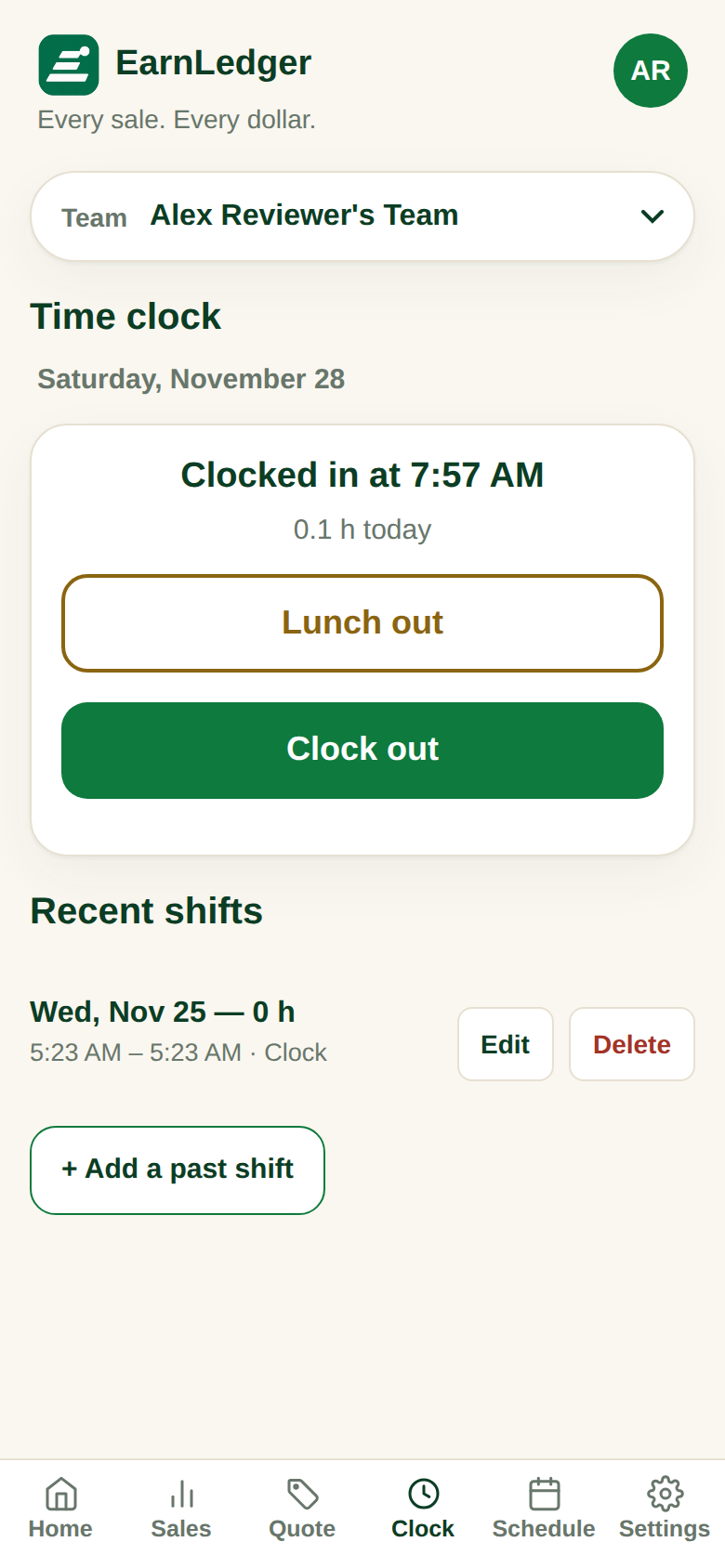
Tap to clock in, or tap the team’s NFC tag by the door. Lunches tracked too.
Opt in, and leaving the workplace clocks you out automatically — no forgotten shifts.
Planned shifts and worked hours side by side, by week, pay period or month.
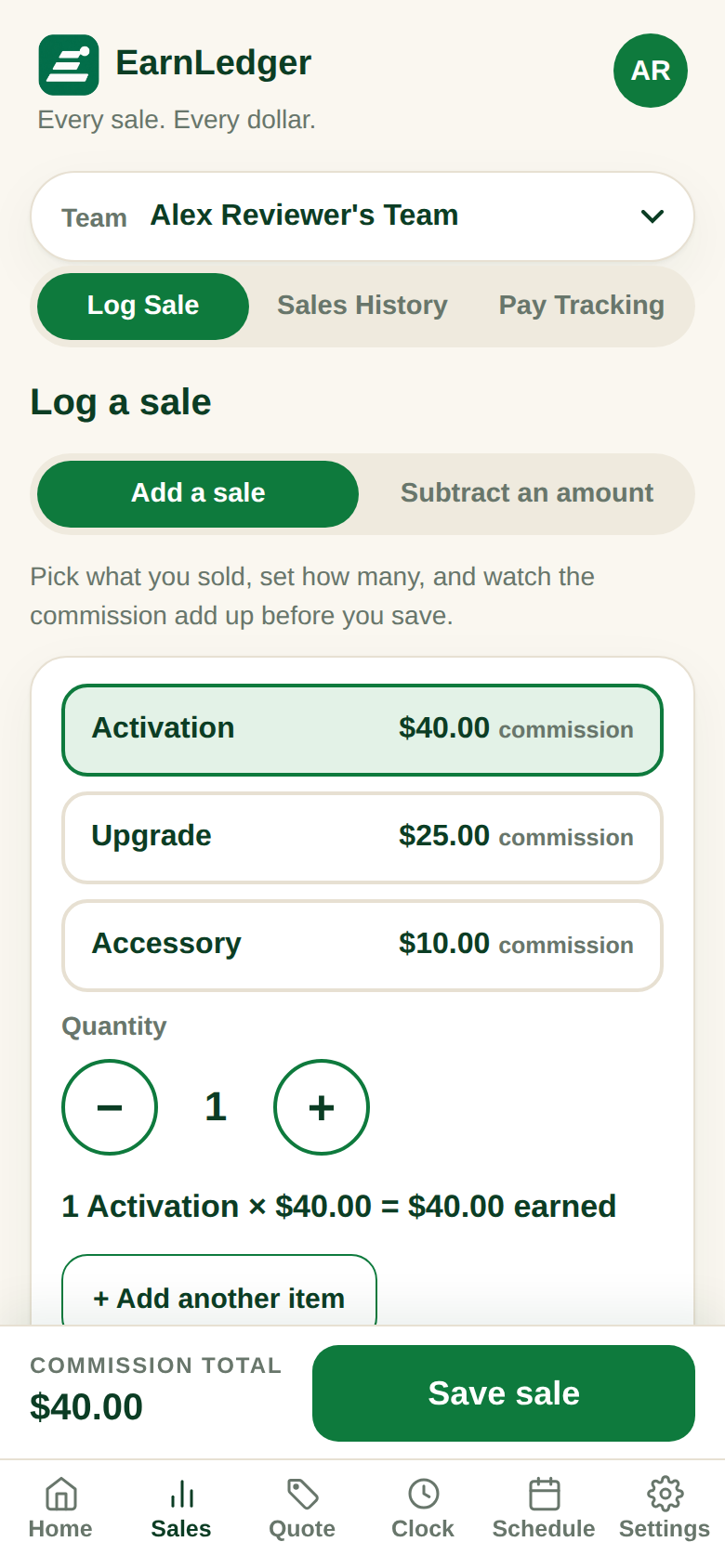
Reps log sales as they happen; managers review and approve them.
Each person’s own rates, so everyone sees exactly what they’ve earned.
Managers run payouts from approved sales, with year-end 1099 totals ready.
Build an out-the-door quote and share it with a link — savings shown right on it.
EarnLedger isn’t tied to one carrier, brand or industry. If your people clock in, sell, and earn commission, it fits — including:
Works for any team that clocks in and sells.
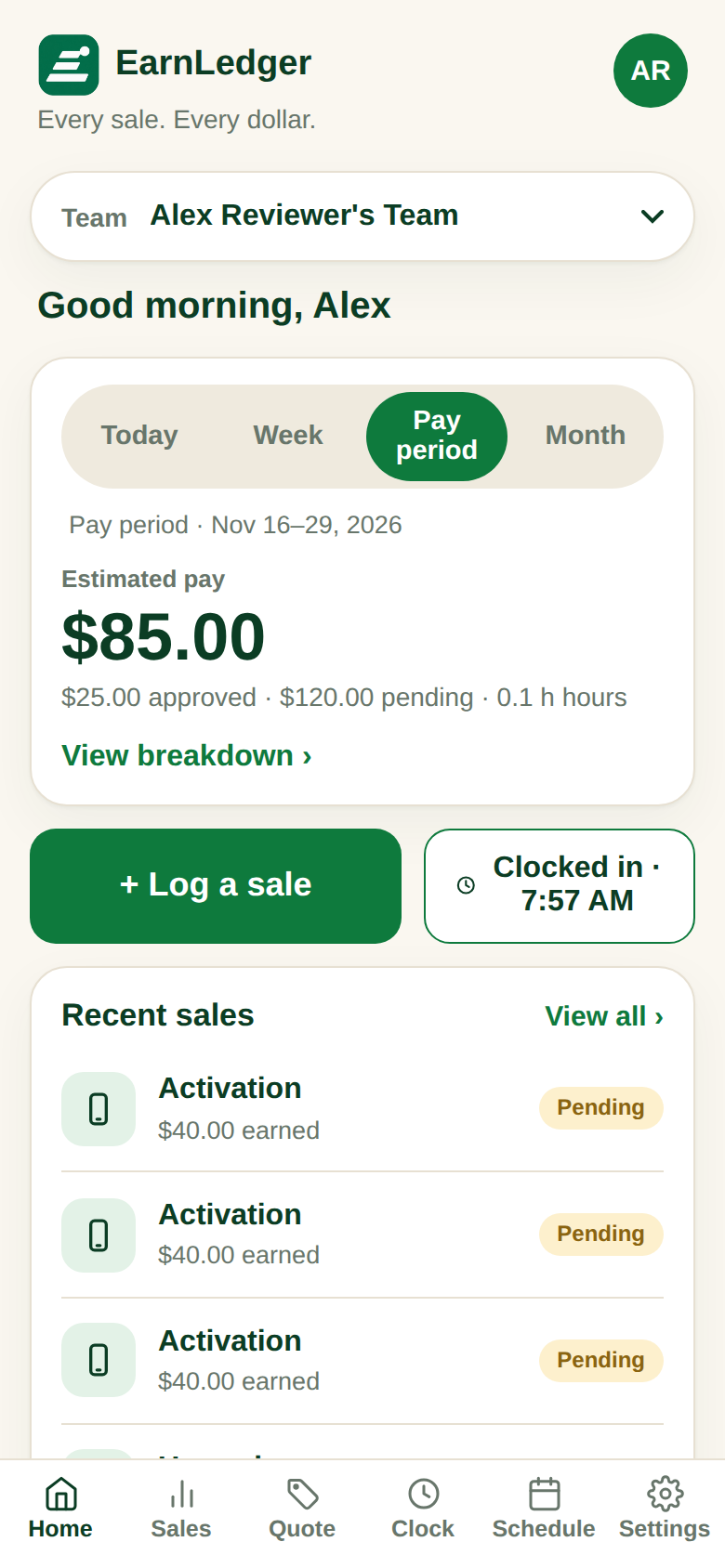
Real screenshots from the live app, on a sample team.
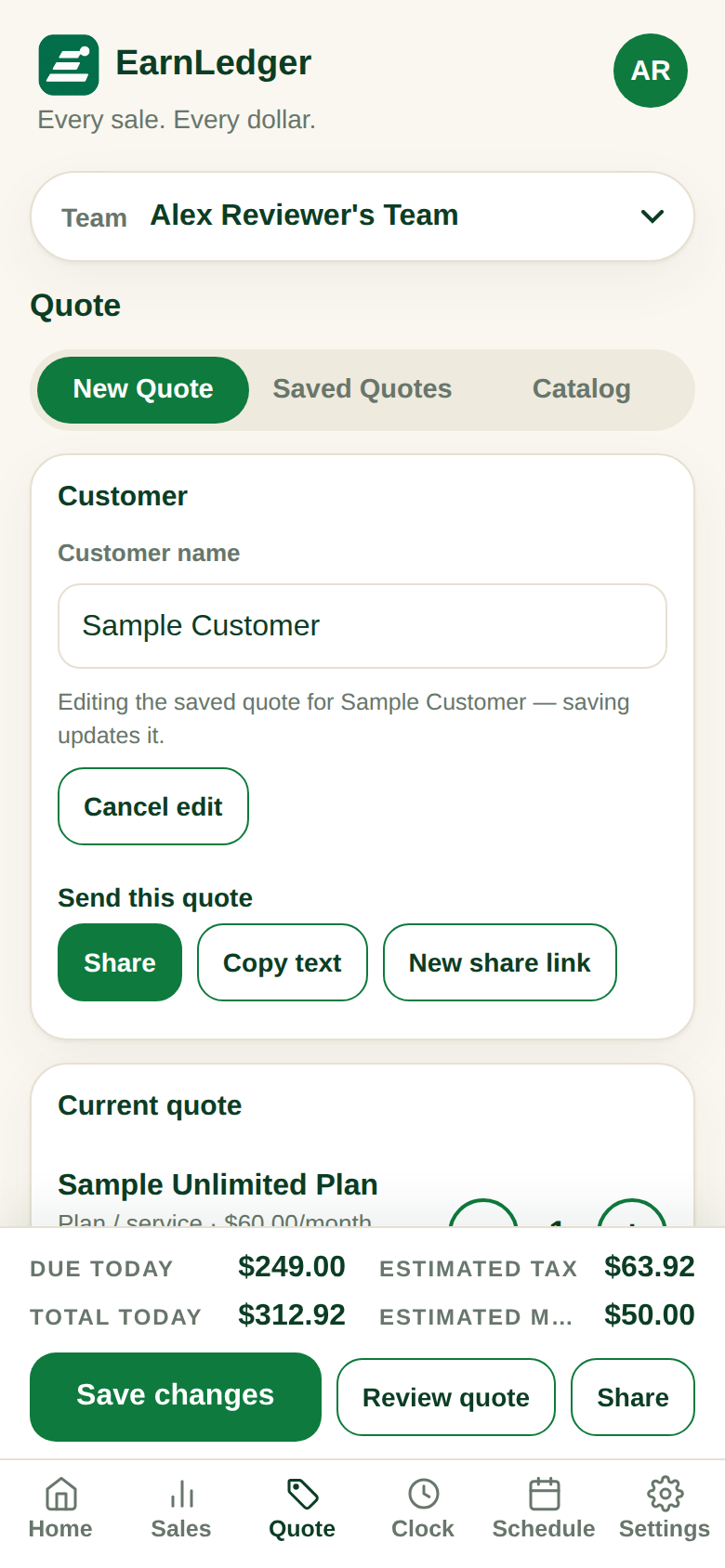
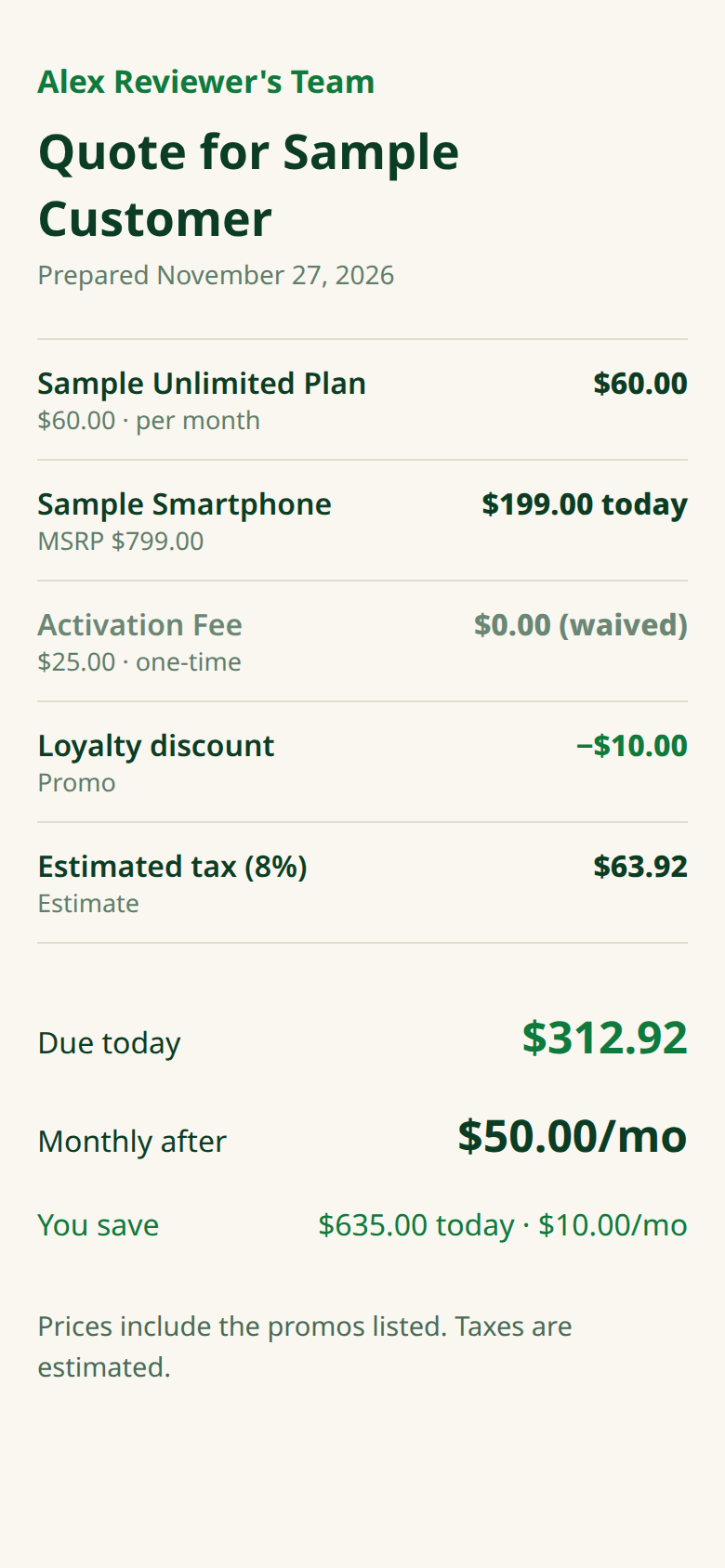
Build an out-the-door quote and share it with a link. Your customer sees what they pay today, what they pay each month, and how much they save — no app or account needed on their end.
The sample is a live quote page from a sample team — no real customer data.
FREE
$0
One team of up to 3 people, including the manager
Reps are always free.
PRO
$14.99 /month
or $119/year — save 34% · per team
Pro is billed per team. A manager can run multiple teams — each team is on its own plan.
Explore EarnLedger during our early-access period. No subscription payment required at this time.
No. EarnLedger tracks hours, sales, and commissions and keeps payout records. It does not process payroll or file taxes — the 1099 figures in the app are payment summaries for your records.
Pro is billed per team. A manager can run multiple teams — each team is on its own plan. Billing isn’t open yet: early access is free, and no payment is required now.
No — reps are always free. Only the manager’s team plan is ever billed.
One team of up to 3 people, including the manager: clock in / out + lunch, logging sales and seeing your own commissions, your schedule, and building and sharing quotes.
In the app — tap to clock in, tap the team’s NFC tag at the workplace, or enter your time manually. Geofence auto clock-out is opt-in, per person, and only clocks you out — it never clocks you in.
Yes. Every quote gets a shareable, view-only link. Customers see prices and how much they save — never commissions.
Yes. Managers set the commission rates and the sales and quote catalog for their own team. Each team has its own items and rates, so one team’s setup never has to match another’s.
Each person sees only their own hours, sales and commissions. Managers see the whole team — the live board, everyone’s time, and the sales waiting for review.
No. The only location feature is geofence auto clock-out, and it’s opt-in per person: if you turn it on, your phone lets the app know when you leave the workplace so it can clock you out. It never clocks you in, and the app doesn’t follow or record where you go.